What Claude is, in one minute
Claude is an AI assistant made by Anthropic. You write to it in plain words and it writes back: a careful email, a summary of a long PDF, a plan, or a whole document or small tool you can open beside the chat.
You can use it in your browser at claude.ai, in the desktop app for Mac and Windows, and in the app on your phone. Anthropic's free plan covers all three.
Like any AI tool, it can be wrong, so you still check the facts that matter.
When to pick Claude, and when another tool fits better
Claude, ChatGPT and Gemini can all write, explain and summarize. The real differences are in the extras, and in which one fits the way you already work.
Pick Claude when
- You want a finished piece of work, not just a reply. Ask for a checklist or a one-page document, and Claude creates it as a document you can open and edit beside the chat.
- You want a small working tool. Describe a price calculator or a simple form, and Claude builds one you can use right away. Anthropic calls these Artifacts, and they're on the free plan.
- You work with long documents. Upload a PDF or a file and ask questions about it.
Look at another tool when
ChatGPT: You want to make pictures. ChatGPT and Gemini both have "Create image" in their + menu.
Read the guideGemini: Your work lives in Gmail and Google Drive. Gemini can add a Drive file, and send an answer to Google Docs or a Gmail draft.
Read the guide
Get Claude: browser, computer or phone
One free account works everywhere, and your chats follow you between your phone, your computer and the web.
Step 1: Easiest: claude.ai in your browser
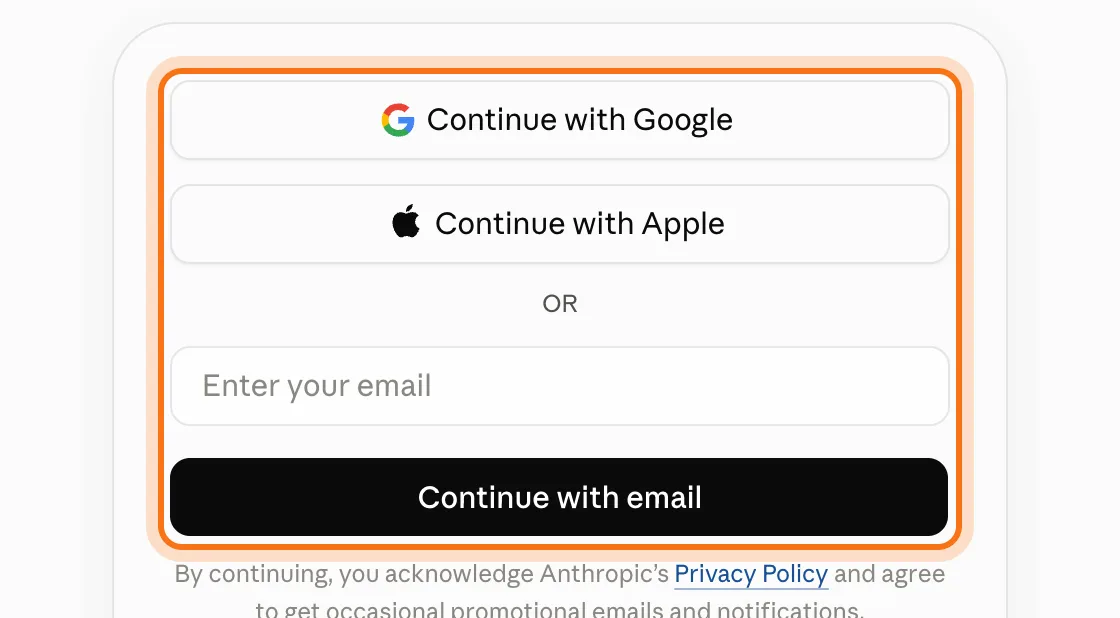
Go to claude.ai and choose "Continue with Google" or "Continue with Apple", or type your email and choose "Continue with email". Nothing to install.
Step 2: Mac or Windows: the desktop app
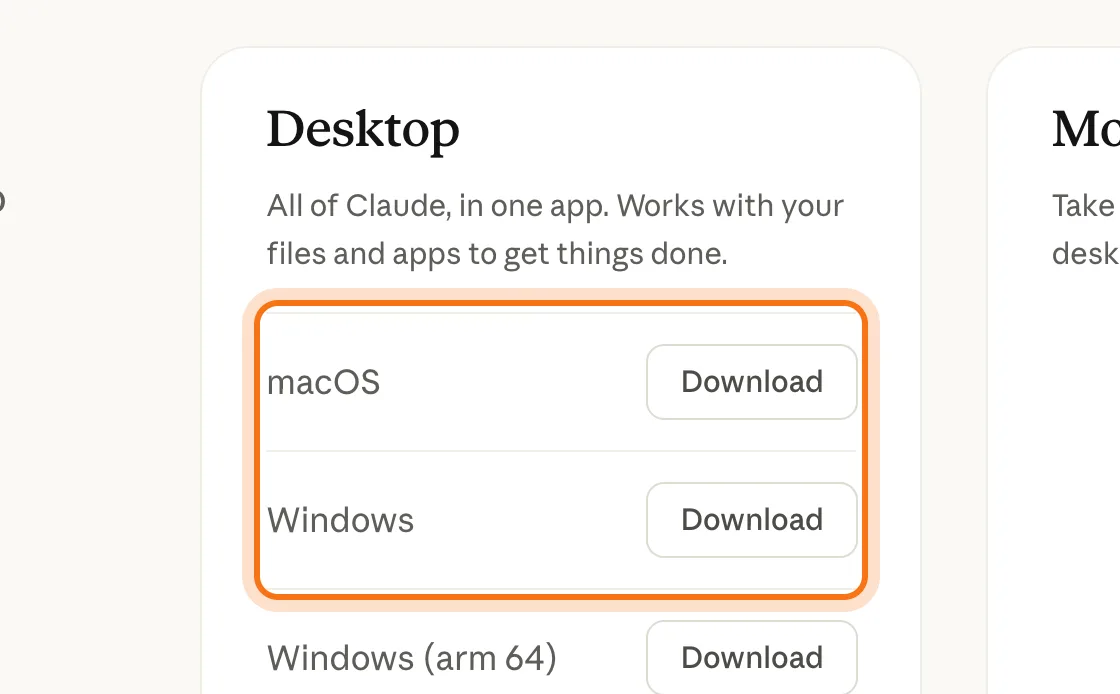
Go to claude.com/download and click "Download" next to macOS or Windows. Choose "Windows (arm 64)" only if your PC has an ARM processor; most PCs use the regular Windows download. Open the file you downloaded, follow the installer, and sign in with the same account.
Step 3: Phone: the Claude app
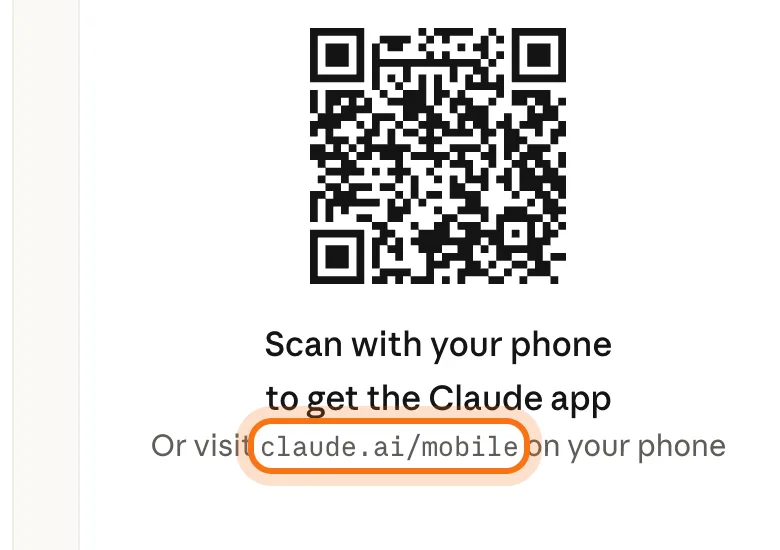
On your phone, go to claude.ai/mobile, or point your phone's camera at the code on claude.com/download. Sign in with the same account.
Your first useful answer
Most weak answers come from a weak request, not a weak tool. Here's the whole loop.
Step 1: Ask for one job, with the details
Click the message box and write what you need, who it's for and how long it should be. Press Enter to send.
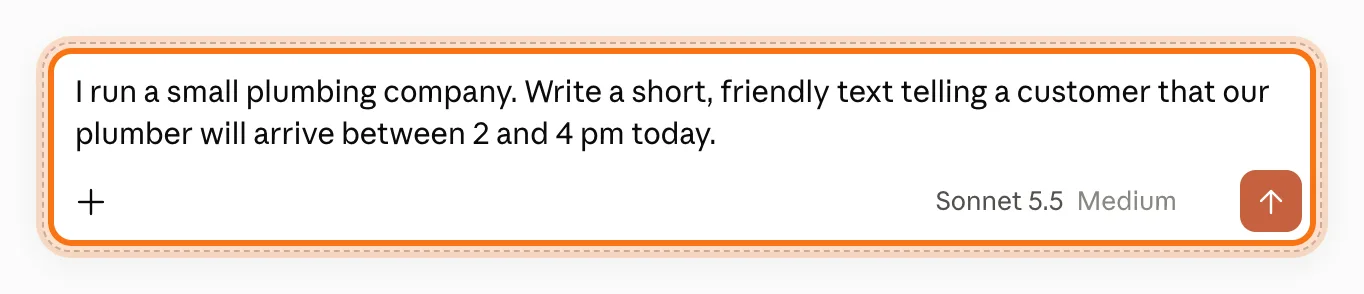
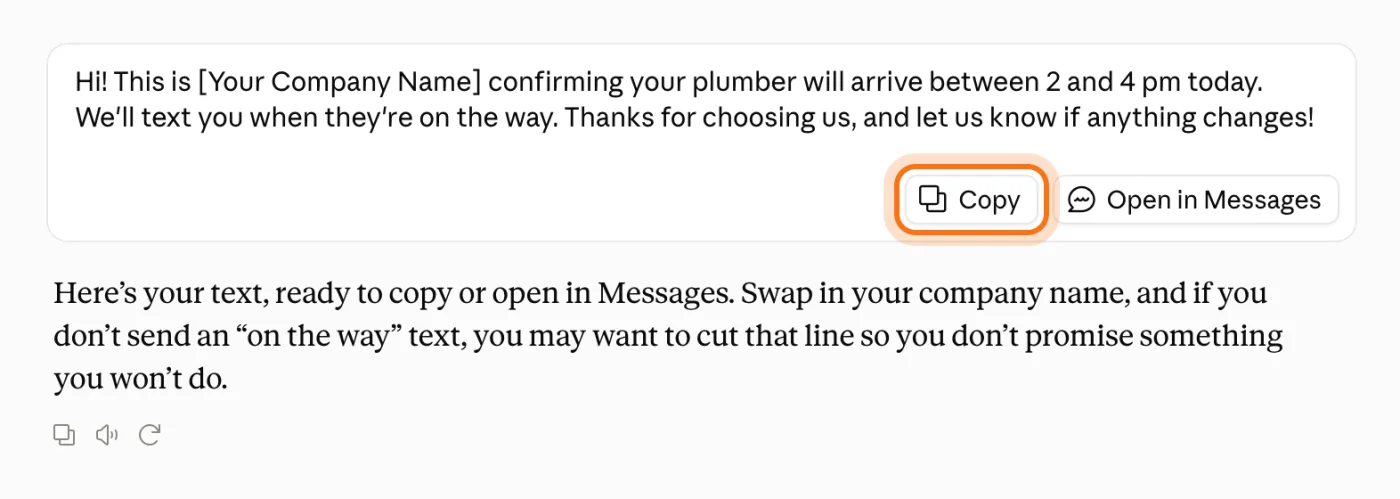
The example in the picture: a plumbing company telling a customer when the plumber will arrive.
Try this prompt
I [what you do]. [What happened, or what you need]. Write [what kind of text] for [who will read it]. Keep it [how long, what tone].Step 2: Read the answer, then copy it
Claude writes the answer under your message. A short text like this one often comes in a card with its own "Copy" button. Read it like a first draft before it goes to a customer.
Step 3: Fix it in the same chat
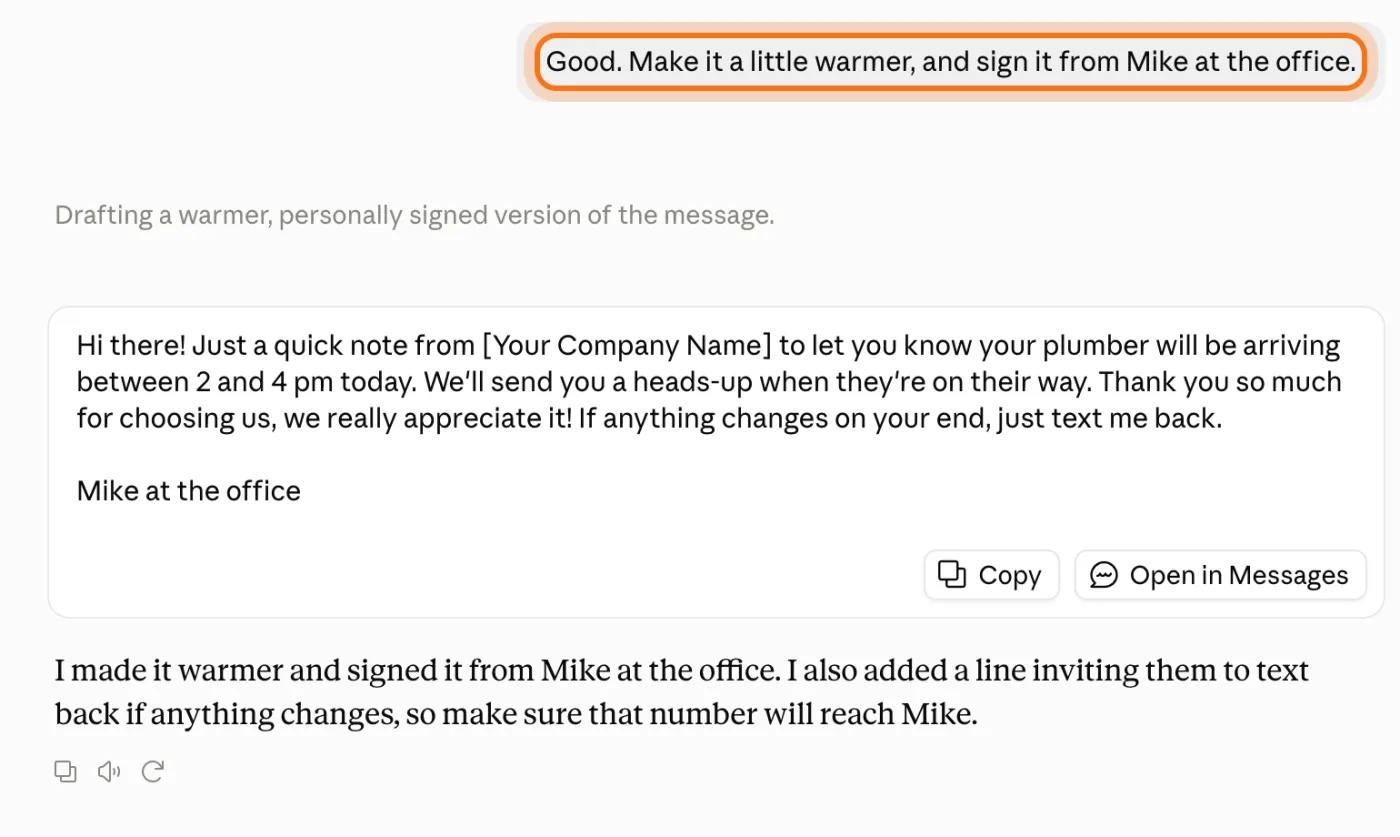
Reply with what to change: "warmer", "shorter", "sign it from Mike". Claude remembers the whole conversation, so you never have to repeat the details.
Members
The rest of this guide is for members
Create a free account and every room in the academy opens for 30 days. No credit card needed.
In the rest of this guide
7 real jobs Claude does well, with prompts to copy
- Make a document you can print
- Build a small tool, like a price calculator
- Ask questions about a long document
- Make your writing clearer, in your own voice
- Think through a decision
- Ask about something recent
- Keep a project's files and instructions together
Buttons and settings worth knowing
- Incognito, for chats you don't want saved
- The model menu
- Talk instead of typing
When Claude gets it wrong, and how to fix it
- It says you've reached your usage limit
- A long chat hits a length limit
- It gets a fact wrong, with confidence
- It won't help with something reasonable
- The Windows app won't install
- The answer is generic, or too long
- You're not sure what's safe to paste
Where to go next
Two habits make every AI tool better: clear requests, and checking what matters. These guides go deeper.