What a good prompt is, in one minute
A prompt is the message you type to an AI tool. It's also the biggest reason one person gets a bland answer and another gets something they can use right away, from the same tool.
The easy way to think about it: write it like a brief to a smart new coworker on their first day. They're quick and capable, but they know nothing about your business, your customer or what you have in mind. Anthropic, the company that makes Claude, describes it as "a brilliant but new employee who lacks context." So you tell them the job, the background, and what the result should look like. If it's not quite right, you tell them what to change.
OpenAI, Google and Anthropic each publish advice on writing prompts, and the core is the same: be specific and give context. That's why these habits work in ChatGPT, Gemini, Claude and any other AI chat. The screenshots are from ChatGPT, with one from Claude.
Which tool to practice in
The habits in this guide are the same in every AI chat. Practice in the one you'll actually open, and use another one to compare.
Practice in ChatGPT when
- You don't have a favorite yet. Most screenshots here are from ChatGPT, so you can follow along click for click.
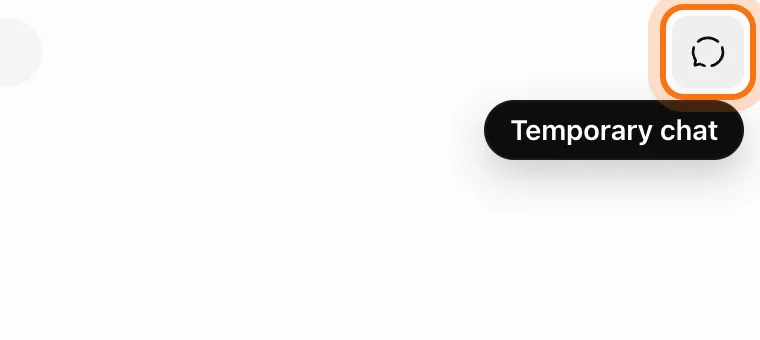
- You want to test prompts without filling your history. Click "Temporary chat" at the top right, and your practice chats won't appear in your history.
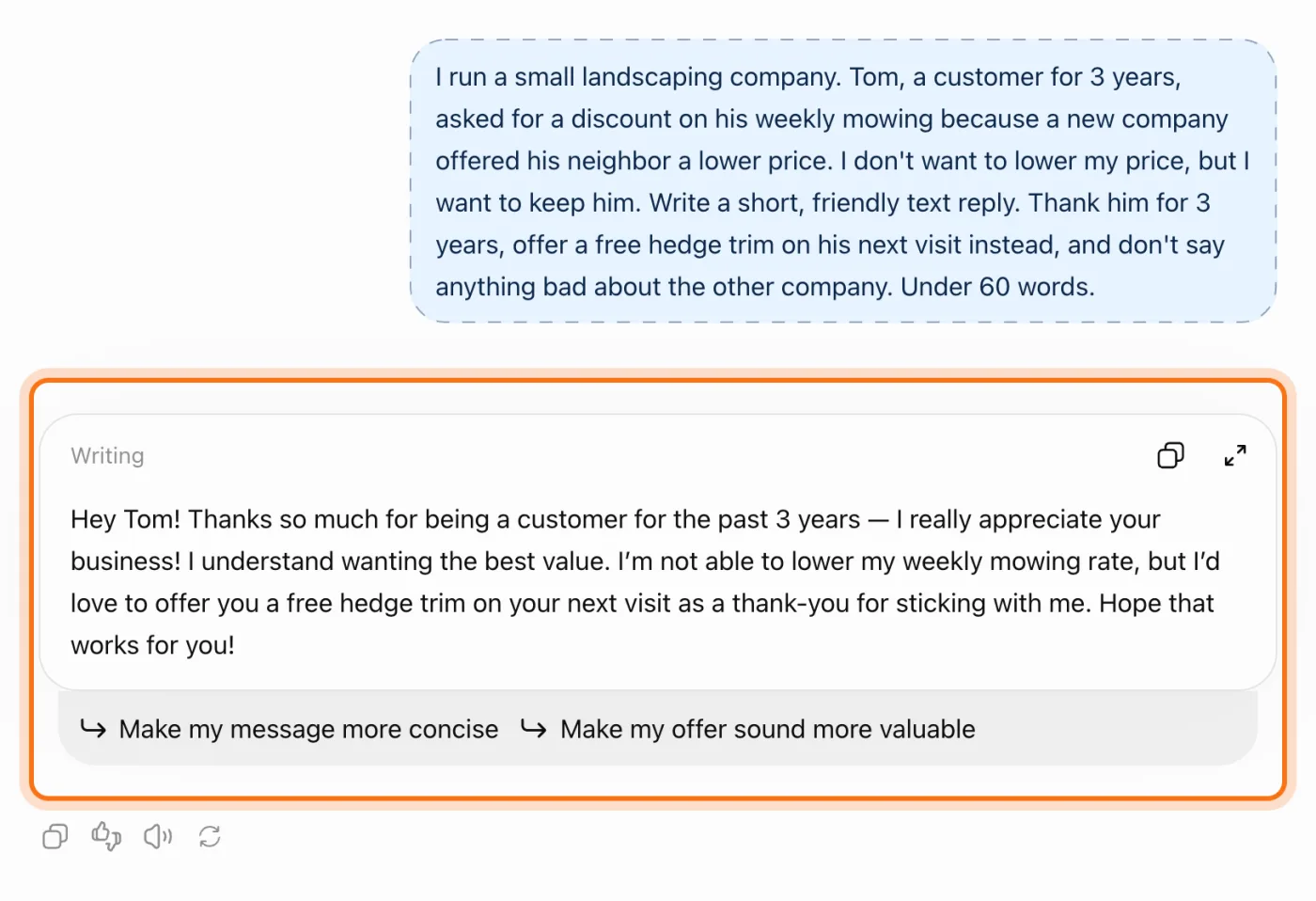
- You'd like a nudge toward the next fix. Under some answers, ChatGPT suggests a change you can click, like "Make my message more concise".
Practice in another tool when
Gemini: You already use Gmail and Google Docs. The same prompts work there, and Gemini can send the answer to a Google Doc or a Gmail draft.
Read the guideClaude: You often need longer pieces, like a checklist or a one-page document. The same brief works, and Claude creates the document beside the chat.
Read the guide
Your first strong prompt, in five steps
The fastest way to learn this is to see it. You'll ask for the same thing twice, once the vague way and once as a brief, and compare. The example: a landscaper answering a loyal customer who asked for a discount.
Step 1: Open a chat to practice in
Open chatgpt.com, gemini.google.com or claude.ai. To keep your practice out of your history, start a temporary chat first. In ChatGPT, click the "Temporary chat" icon at the top right. Gemini has a temporary chat icon in the same corner, and Claude calls it incognito.
Step 2: Try the vague version first
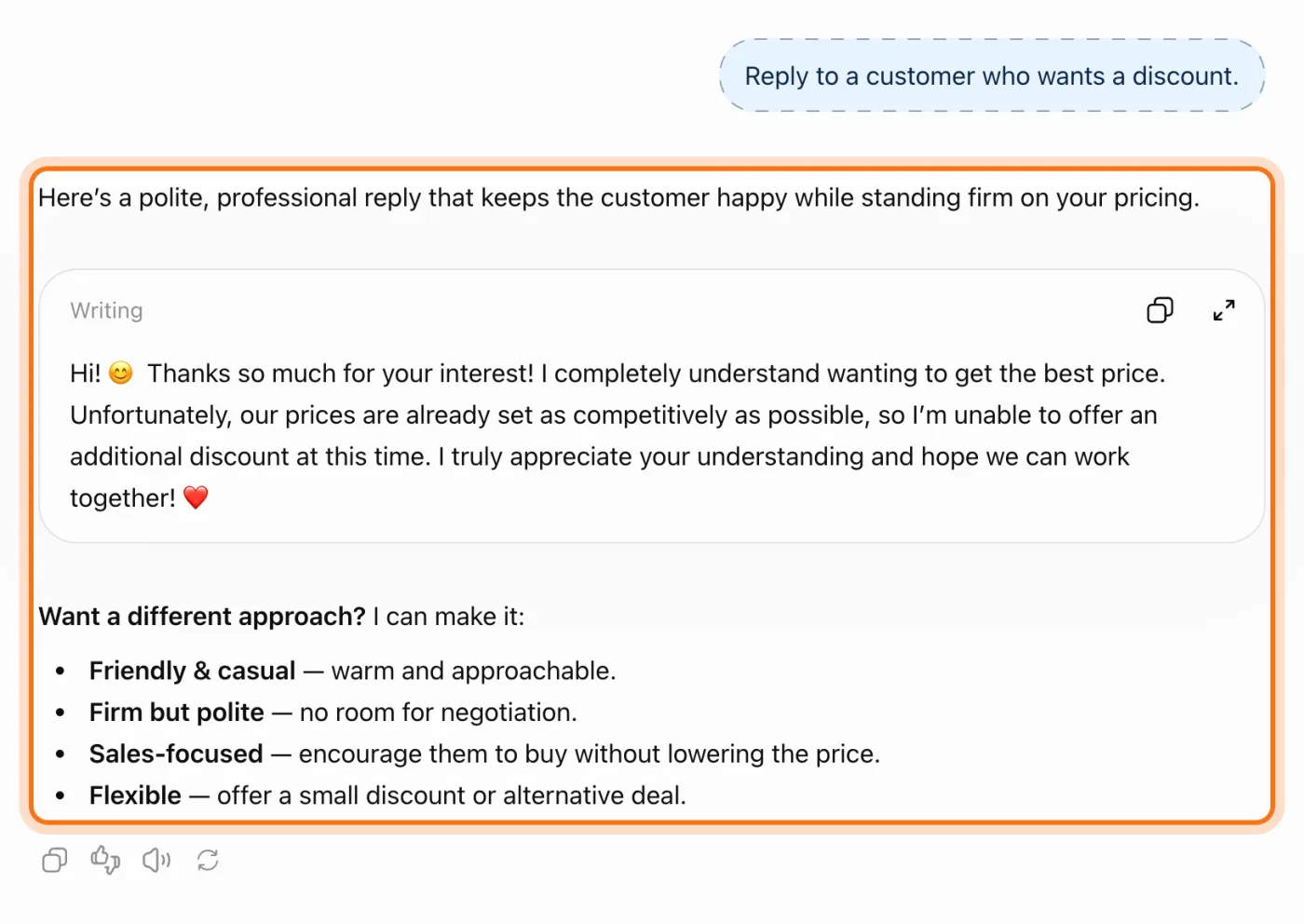
Type a short request the way most people do, and send it. Then look at what comes back. It isn't wrong, but notice what it had to work without: your business, your customer, and whether you even want to give a discount. Everything you didn't say, it has to guess or leave blank.
Try this prompt
Reply to a customer who wants a discount.Step 3: Now write it as a brief
Open a new chat and give the same job the way you'd brief a new coworker. Four parts: the job (what to write, and for whom), the context only you know (what happened, what you want), the format (length, tone, shape), and, when it helps, an example of what good looks like.
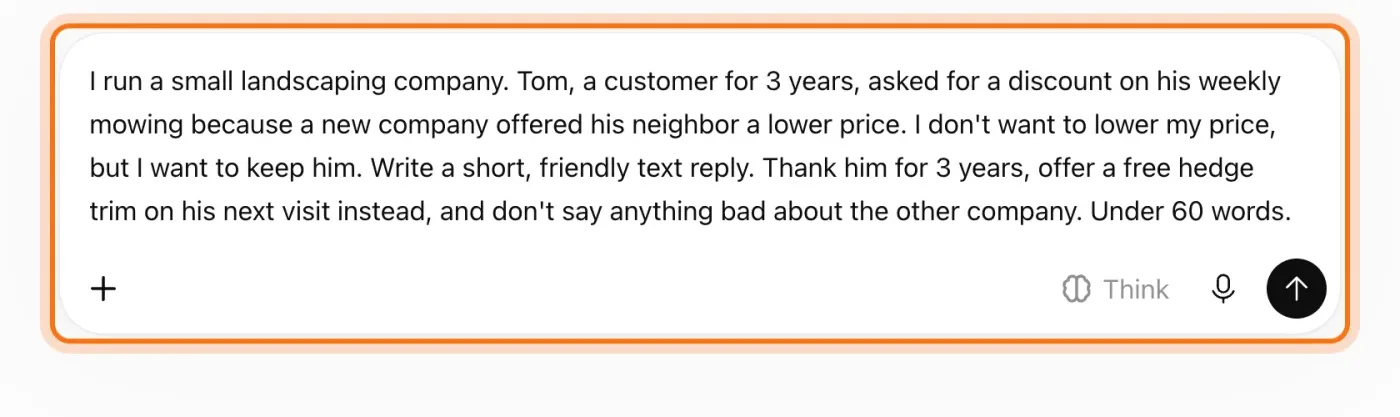
The example in the picture: Tom has been a customer for 3 years and asked for a discount. The owner wants to keep his price and keep Tom, and offer a free hedge trim instead.
Try this prompt
I run [your business]. [What happened, with the details only you know]. Write [what kind of text] for [who will read it]. It must [what it has to say], and must not [what to avoid]. Keep it [how long, what tone].Step 4: Send it, and compare the two answers
Put this answer next to the first one. This time it can use your facts, your offer and your length, because you gave them. The tool didn't change. Your request did.
Step 5: Fix it in the same chat
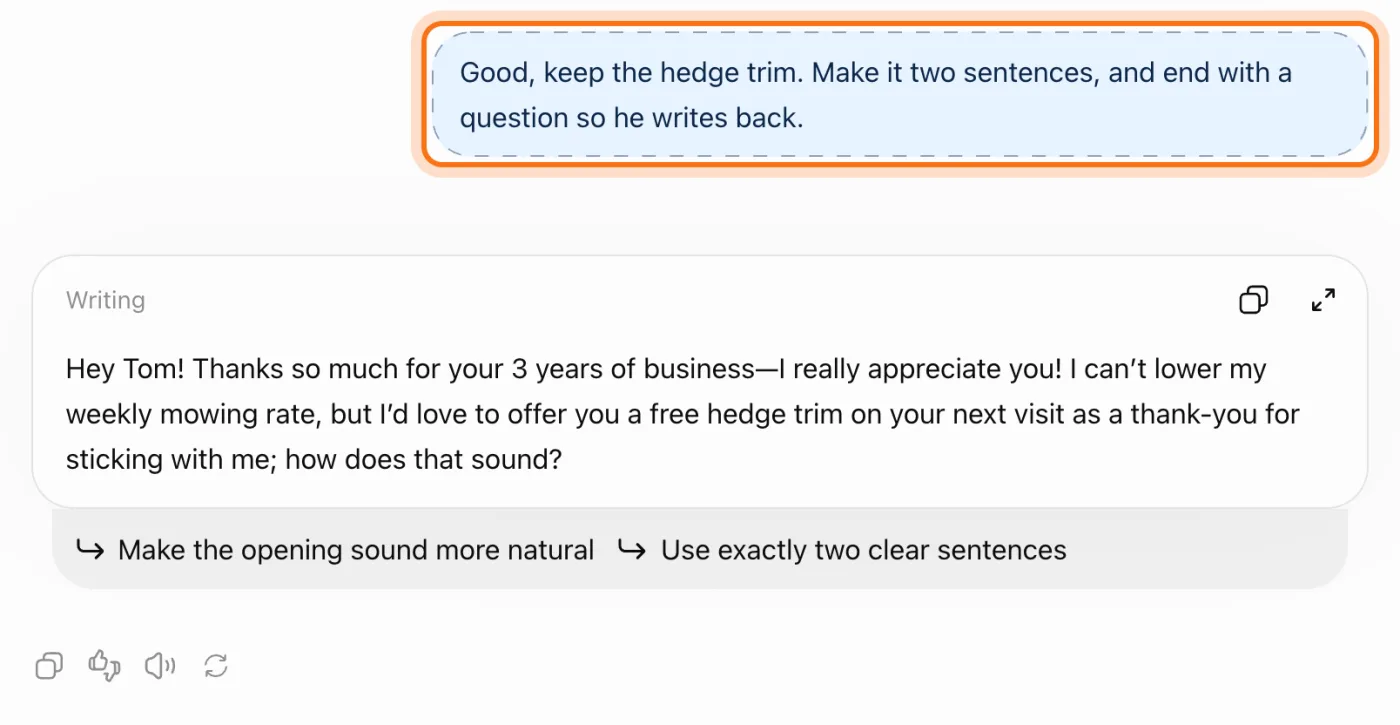
Close, but not quite? Don't start over. Say what to change and what to keep: "keep the hedge trim, make it two sentences". The AI remembers everything earlier in the chat, so you never repeat the details.
Members
The rest of this guide is for members
Create a free account and every room in the academy opens for 30 days. No credit card needed.
In the rest of this guide
8 real jobs, with prompts to copy
- Answer a customer message the way you would
- Write a social post that sounds like your business
- Turn messy notes into a plan
- Understand a document before you sign it
- Make your price list or menu clear
- Write a job ad that attracts the right person
- Plan a hard conversation
- Not sure how to ask? Build the prompt together
5 habits worth knowing
- Let it ask you questions first
- Show an example of the style you like
- Ask for options, then pick
- Ask it to check its own answer
- Edit your request instead of piling on fixes
When the answer isn't right, and how to fix it
- The answer is generic, like it could be for anyone
- It's too long, too formal, or full of emojis
- It ignores one of your instructions
- It makes something up: a fact, a number, a policy you don't have
- It doesn't sound like you
- You ask for one change, and it rewrites the parts you liked
- In a long chat, it loses track of what you said at the start
- You type the same background into every chat
Where to go next
A clear request is half the habit. The other half is checking what matters. These guides put both to work.