What Lovable is, in one minute
Lovable builds websites and simple web apps from a description. You write what you want in a chat, Lovable writes the code, and a live preview of the result appears next to the chat. You never have to touch the code.
Like every AI tool, it guesses what you meant. It's quick at a first version, and you still check every word and every button: Lovable fills in sample text, like hours and prices, for you to replace.
You can start free at lovable.dev. Lovable's docs say a free workspace gets 5 build credits a day, up to 30 a month. We made a free account with "Continue with Google" for the pictures in this guide, on a computer.
When to pick Lovable, and when another tool fits better
Lovable, Canva and Claude Code can all help you make something for the web. The difference is how much of it is a real working site and how much you want to do yourself.
Pick Lovable when
- You want a working web page or a small app, not just a picture of one.
- You'd rather describe changes in plain words than edit code or a page builder.
- You want to see the result as you go, and publish it later on its own web address.
Look at another tool when
Canva: You need a flyer, a post or a presentation: something people look at, not click through.
Read the guideClaude Code: You're comfortable with files and a terminal, and want an AI that works on your own computer.
Read the guide
Your first website, in five steps
Here's the whole loop, from an empty box to a page you can show. The example: a one-page website for a coffee shop's new loyalty card.
Step 1: Open lovable.dev and sign up
Go to lovable.dev and click "Get started". Choose "Continue with Google", GitHub, Apple or an email. After a few questions (a light or dark look, email preferences, your role), you land on a big box that asks what to build.
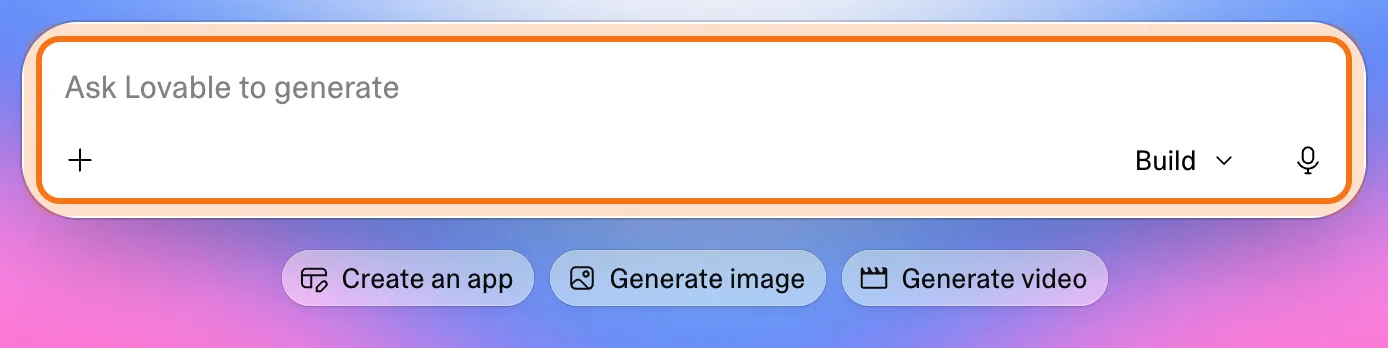
Step 2: Describe the site in plain words
Say what it's for, what goes on it, and what to leave out. Name the sections you want and the feel. Press Enter or click the arrow.
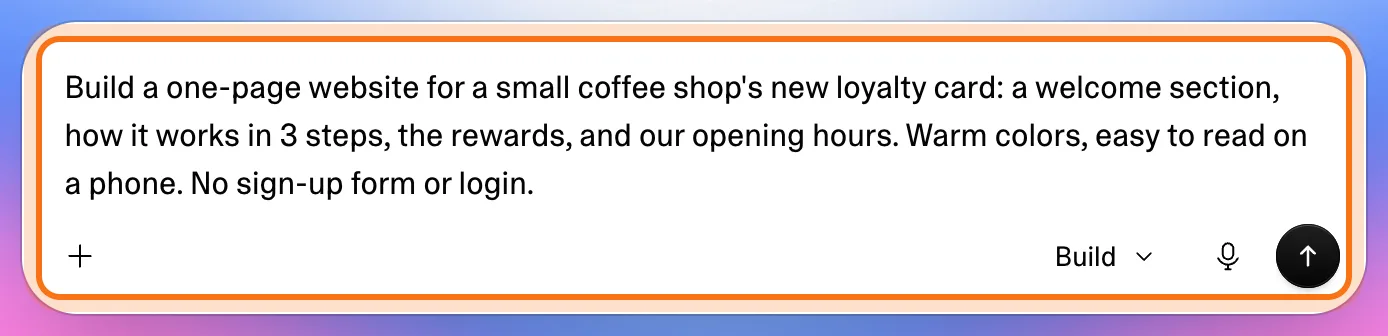
The example in the picture: a one-page site for a coffee shop's loyalty card, with a welcome, how it works, the rewards and the opening hours.
Try this prompt
Build a one-page website for [your business]: [the sections you want]. [The feel: warm colors / clean and simple], easy to read on a phone. No sign-up form or login.Step 3: Let it plan and build
Lovable opens a project: the chat on the left, the preview on the right. It says what it plans, then builds and checks the site. Ours was ready in under three minutes. At the end it asks for the real details it doesn't have, like your shop name and hours.
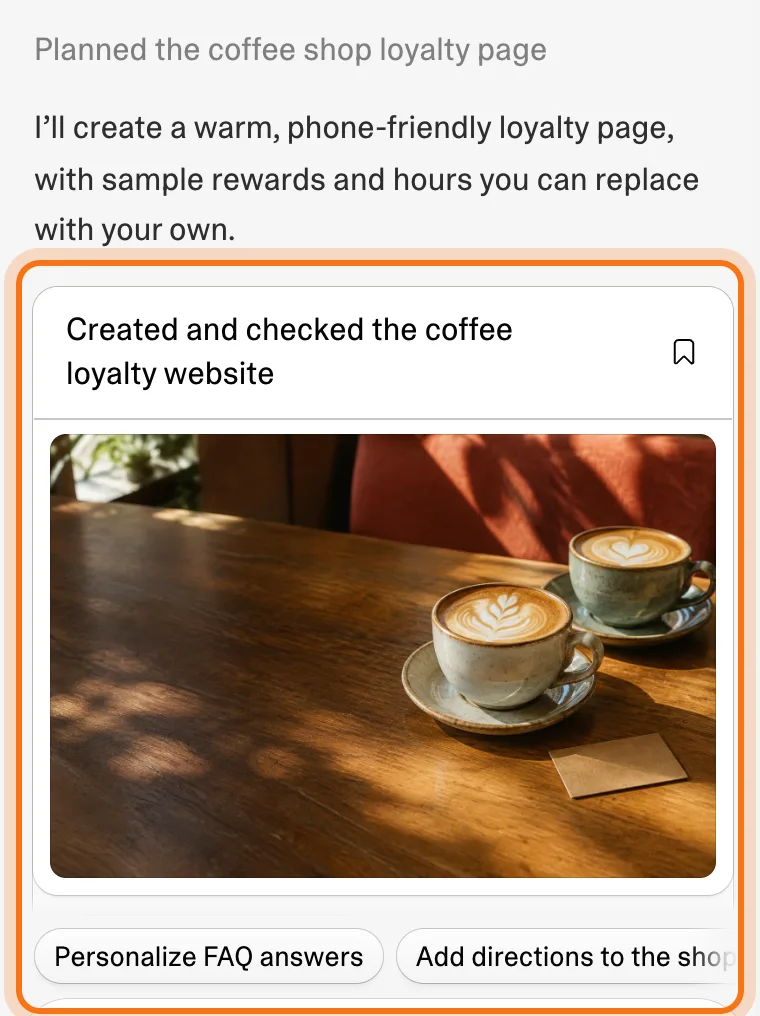
Step 4: Read the preview like a first draft
The preview on the right is the real site, and you can click and scroll it. Read every line: the name, the rewards and the hours are samples until you give Lovable yours.
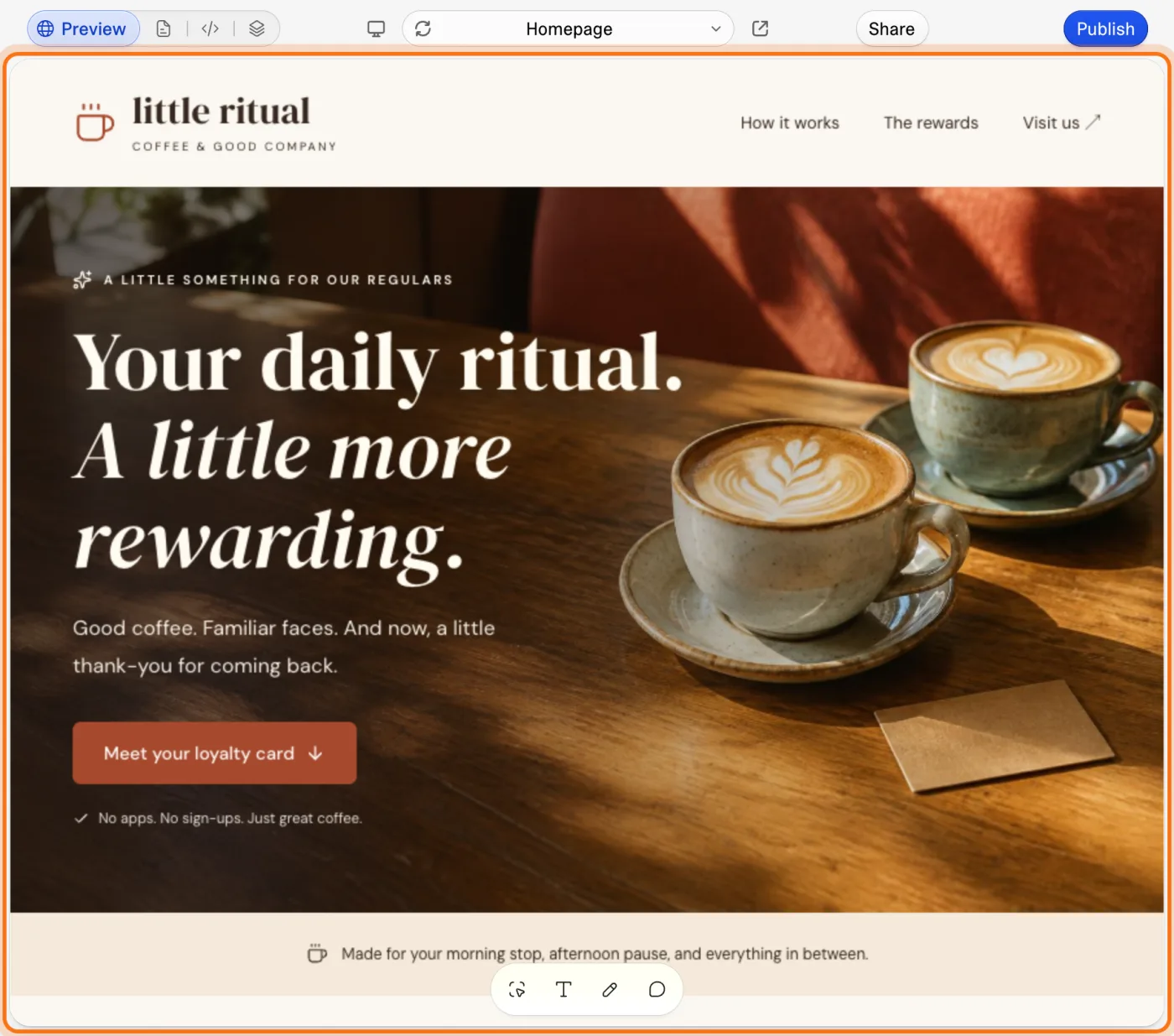
Step 5: Ask for changes in the same chat
Type in "Ask Lovable..." what to add or change, and where. Lovable makes the change, says what it did, and the preview updates.
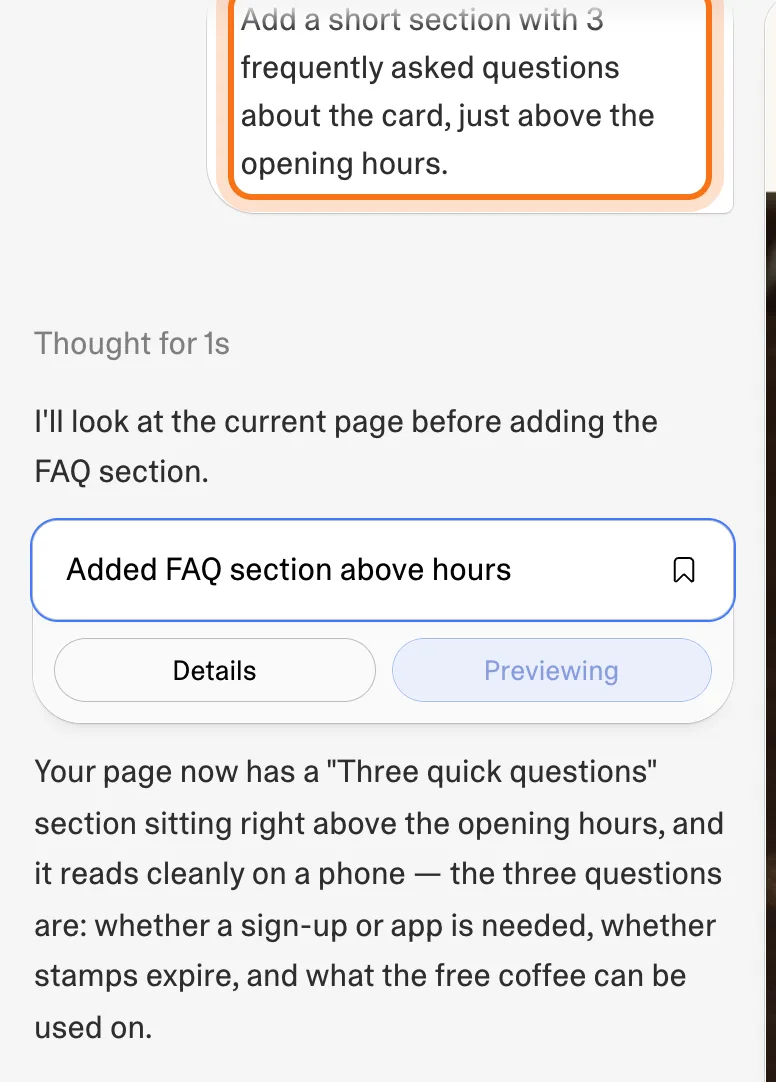
Try this prompt
Add a short section with [what], just [above / below] the [section name].
Members
The rest of this guide is for members
Create a free account and every room in the academy opens for 30 days. No credit card needed.
In the rest of this guide
8 real jobs Lovable does well, with prompts to copy
- A one-page site for your business
- A page for an event
- An online menu or price list
- A simple calculator for customers
- A checklist for your team
- A help page that answers the same questions
- A gallery of your work
- Plan a bigger app before building it
Buttons and settings worth knowing
- Build, Chat and Plan
- See each change in the preview
- Point at the page instead of describing it
- History: every version is kept
- Publish, when you're ready
- Credits
When Lovable gets it wrong, and how to fix it
- The site shows a name, prices or hours you never gave
- It built more than you asked for
- A change broke something that worked
- It changed the wrong part of the page
- You run out of credits
- You're not sure who can see it
- It looks wrong on a phone
- You're not sure what's safe to paste
Where to go next
Clear requests get better results from Lovable, and every other AI tool.